
The Lightning-Fast, Local-First Productivity Hub.
Notes, tasks, and bookmarks combined in one beautifully minimalist desktop app. No cloud forced, you own your data.
Thank you for downloading Markkeep!
As an independent developer maintaining this lightweight tool, I currently cannot afford the high annual fees required for official Microsoft-recognized Code Signing Certificates (EV/OV certificates).
Because of this, when you run the Markkeep installer on Windows for the first time, you may encounter a blue warning screen from Windows Defender SmartScreen stating "Windows protected your PC".
Please rest assured: the software is completely safe, clean, and free of any malicious code. You can easily proceed with the installation in two simple steps:
- Click on "More info" on the blue warning screen.
- A "Run anyway" button will appear at the bottom right. Click it to continue the installation.
As more users download and safely use Markkeep, Windows will gradually build a "reputation" for the application, and this warning will eventually disappear on its own. Thank you for your understanding, trust, and support!
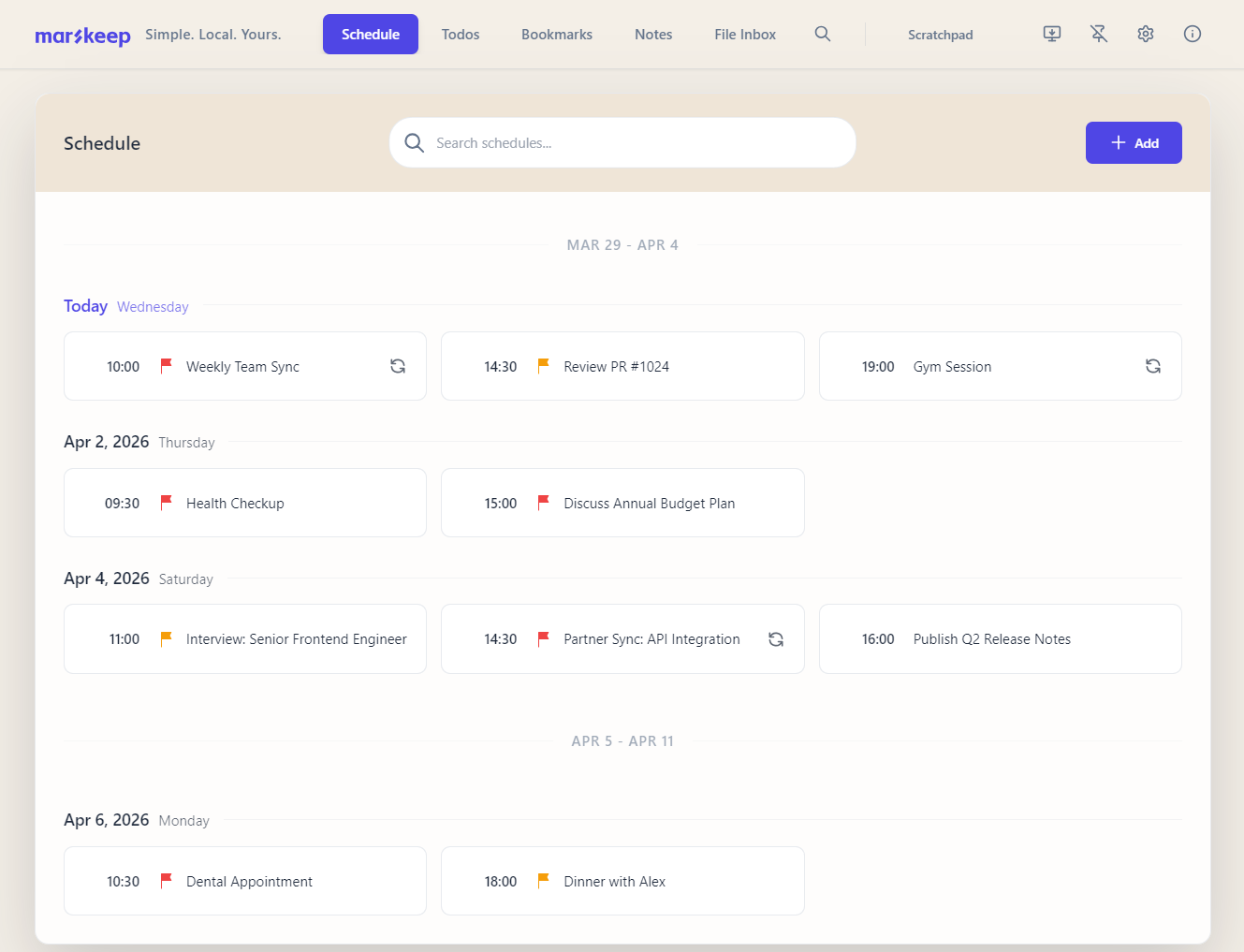
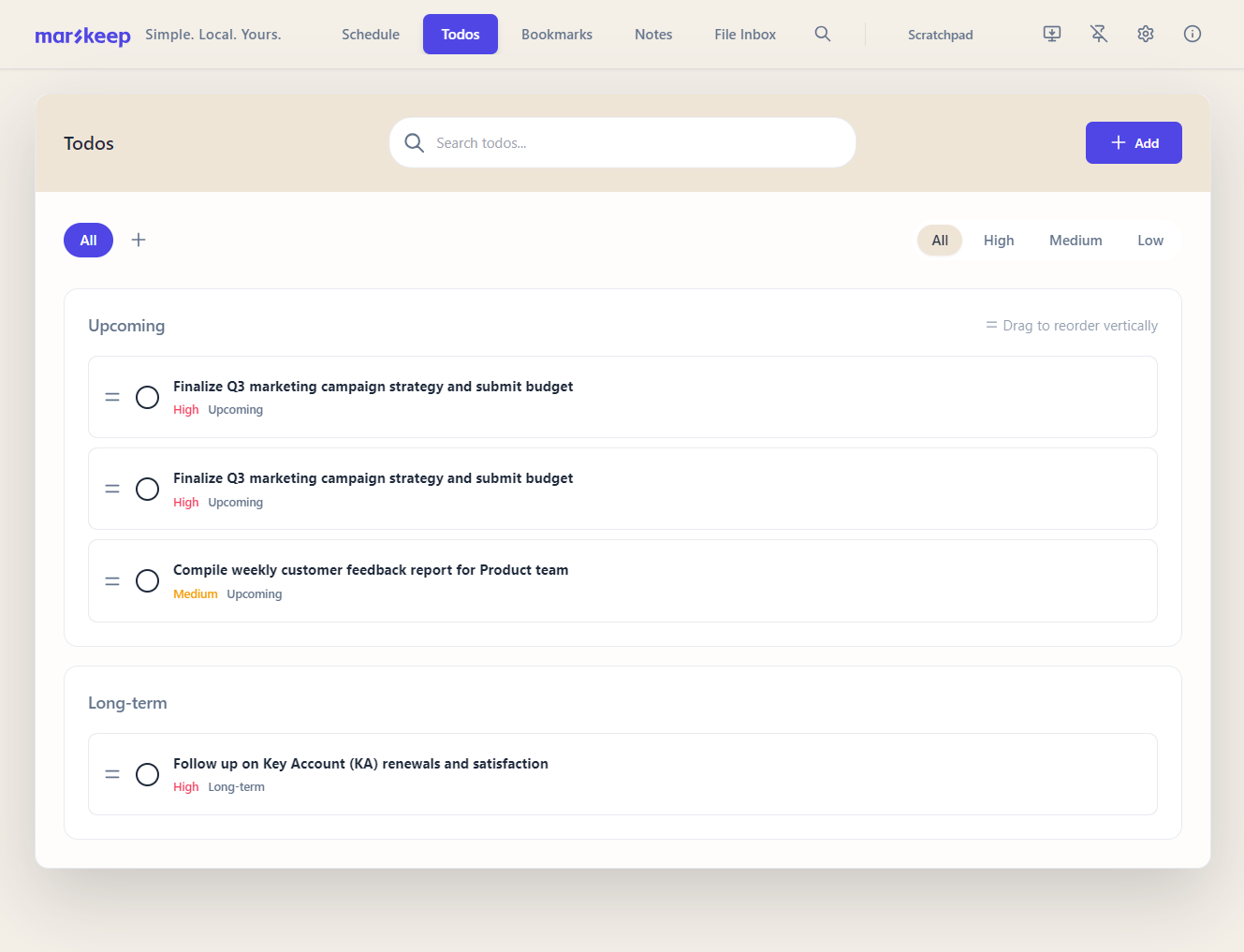
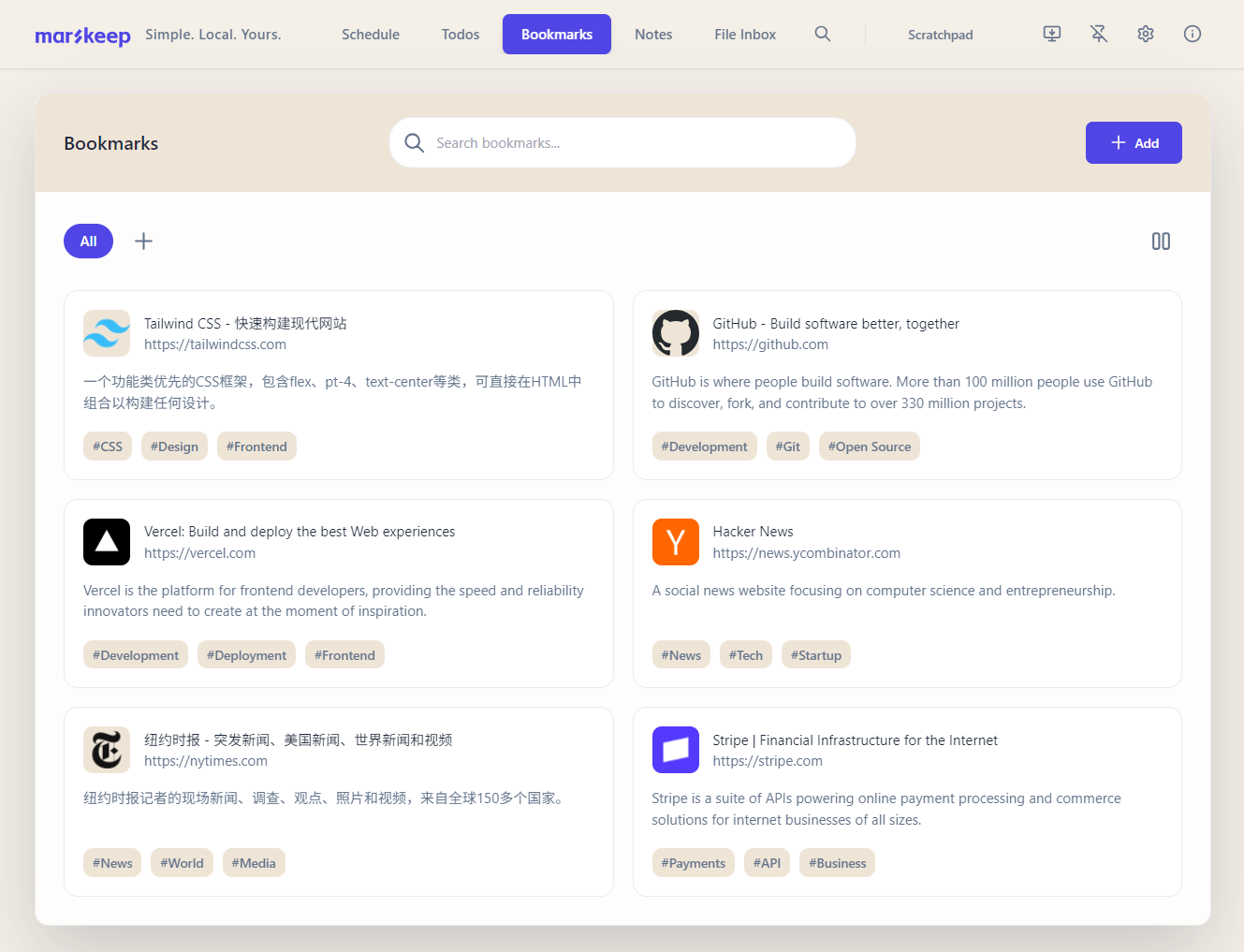
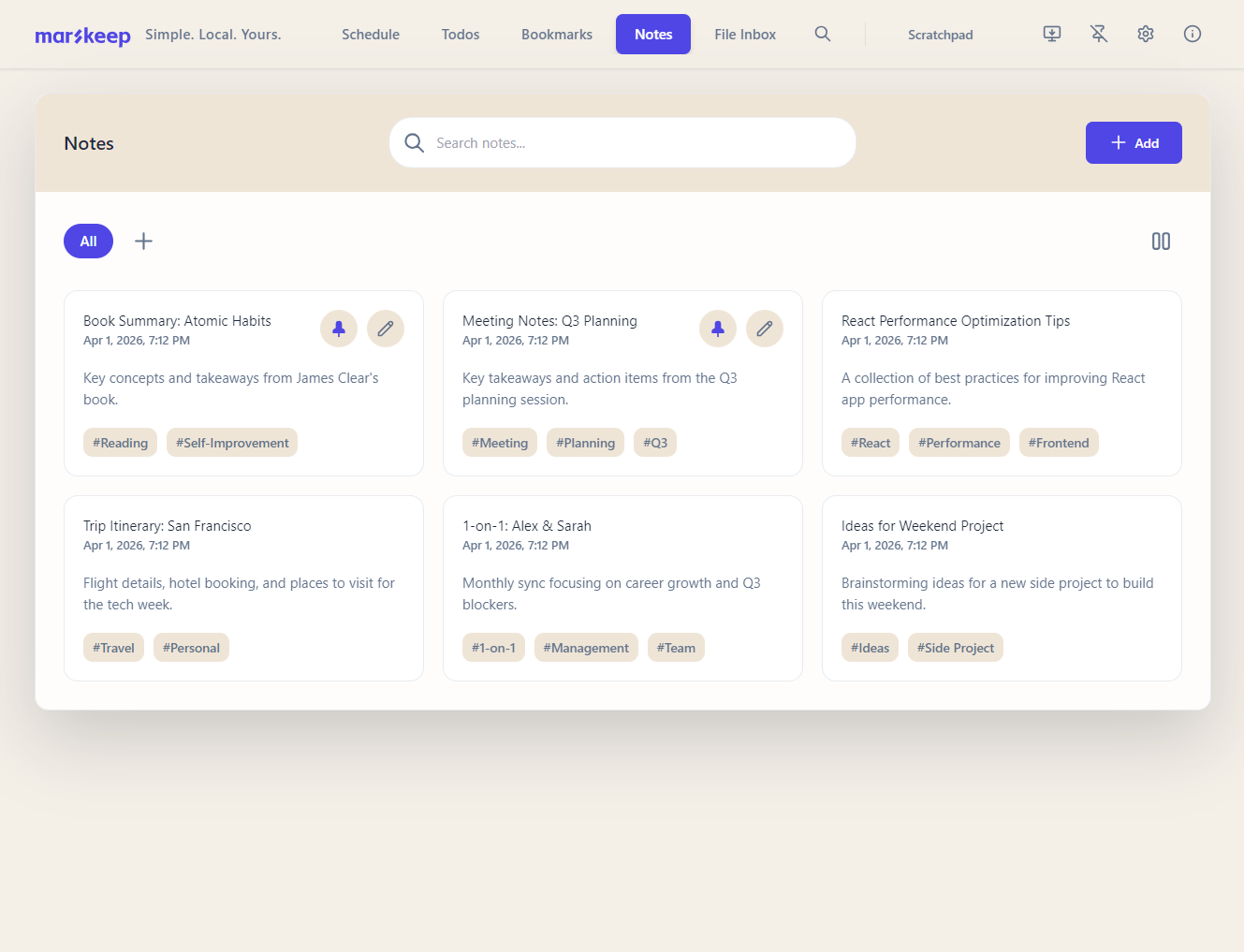
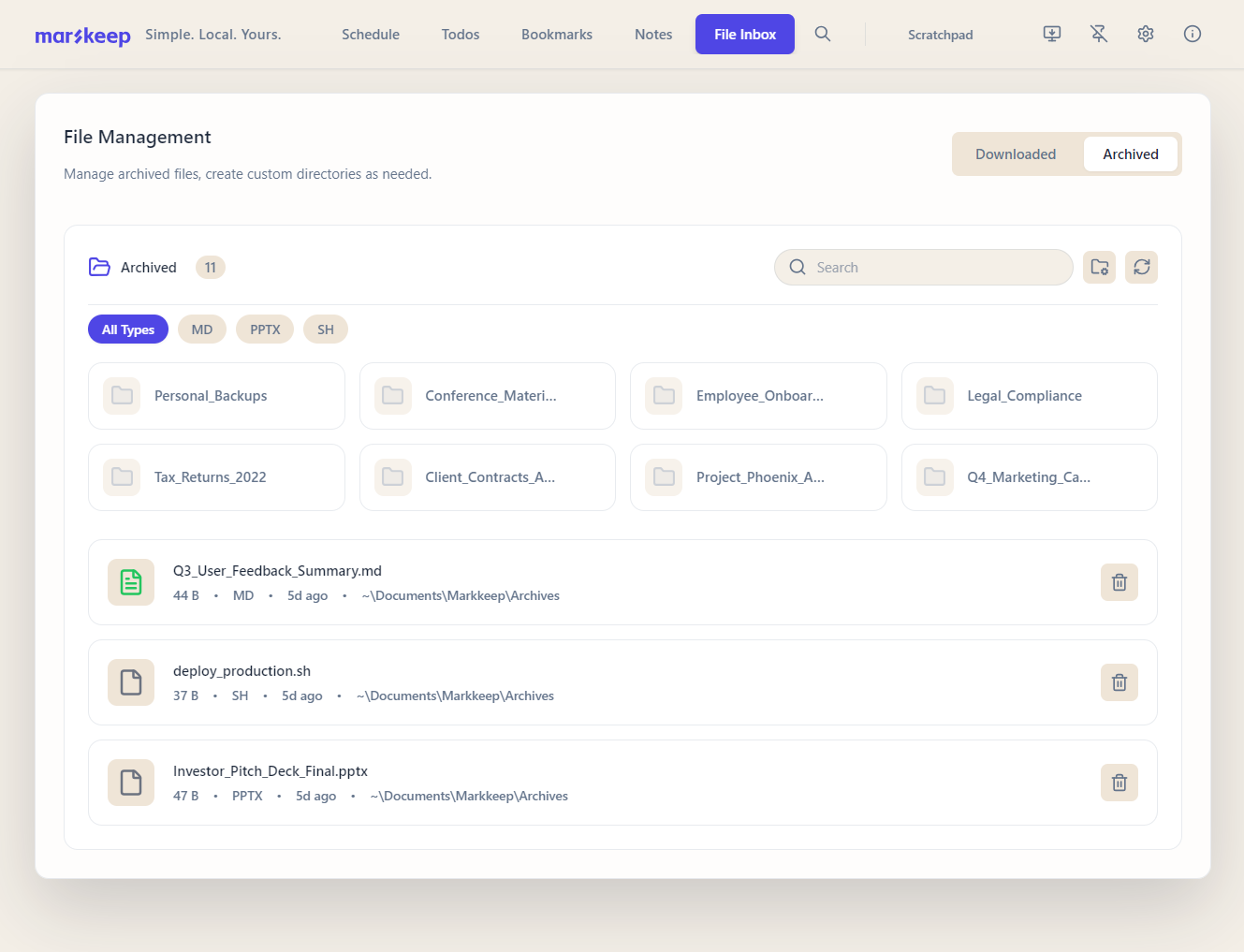
Everything You Need, Nothing You Don't
A closer look at the core modules designed for maximum productivity.
Why Markkeep?
Local-First & Offline
Your data lives on your hard drive, not our servers. Instant load times and works perfectly without internet.
Unified Workflow
Stop context switching. Manage your schedule, to-dos, notes, and bookmarks in a single, cohesive interface.
Distraction-Free
A meticulously crafted UI that gets out of your way. No feature bloat, just the tools you need to get work done.
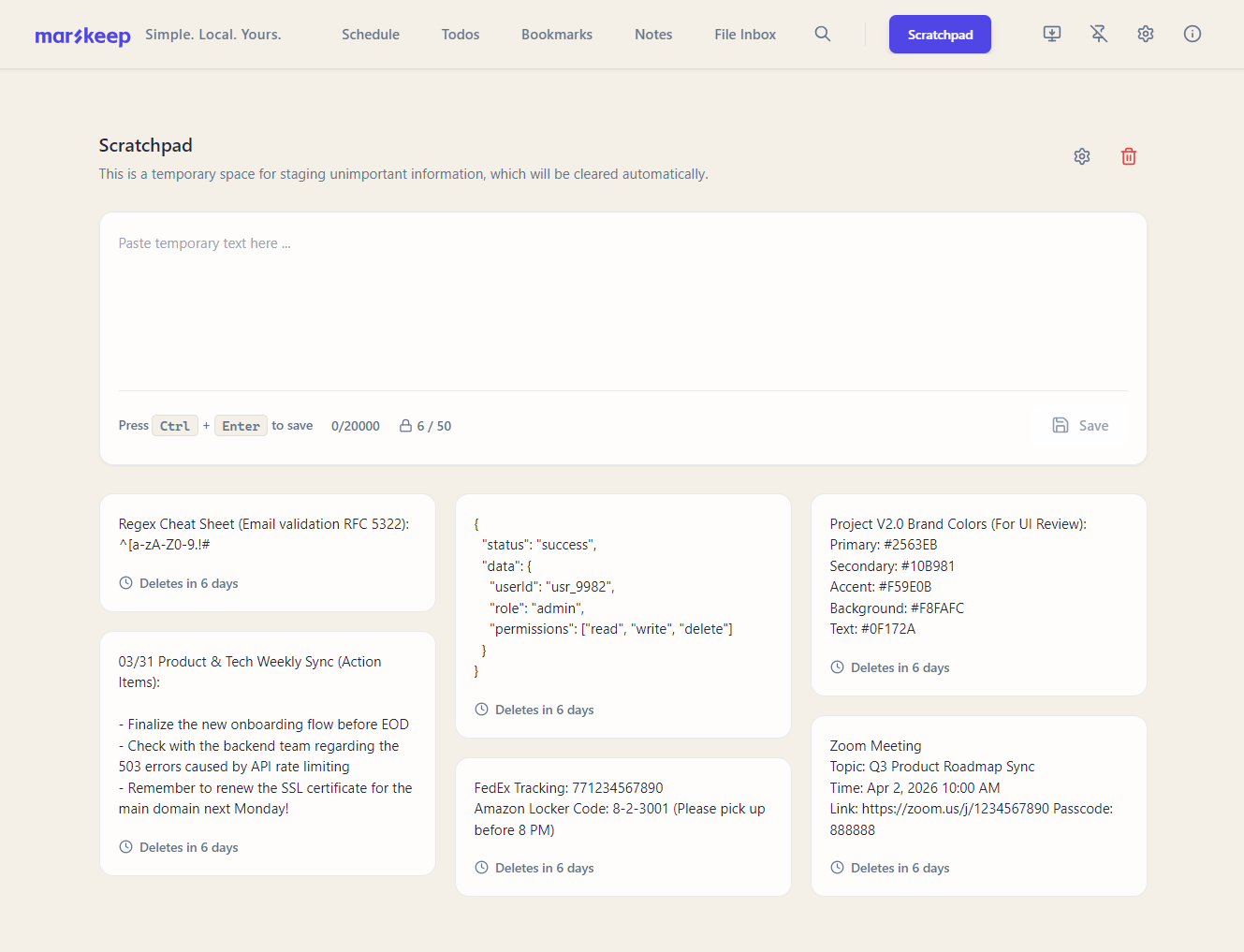
Auto-cleaning Scratchpad
Jot down temporary thoughts. Markkeep automatically cleans up old notes so your workspace stays clutter-free.